

The widget 'Tasks'
Overview of tasks to be completed in the Retail platform
1 min read
The Tasks widget provides an overview of all system and user-assigned tasks.
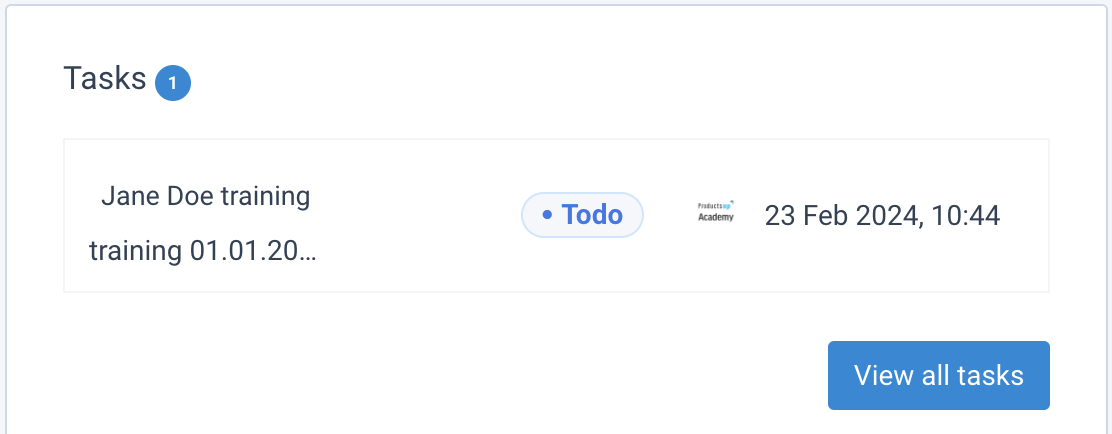
Task overview
- Task count: The blue circle at the top indicates the number of remaining tasks.
- Status icons: Color-coded icons show the current status of each task.
- Details: Clicking a task opens a page with detailed information.
- View all: Select View all tasks to see the full list of pending and completed items.
If the number of tasks exceeds the widget size, you can scroll through the list directly on the dashboard.
How is this guide?