

Container API
The runtime HTTP API that runs alongside your connector for data I/O, logging, and storage.
What is the Container API?
The Container API is an HTTP server that runs as a sidecar container alongside your connector. It is the bridge between your code and the ProductsUp platform — every interaction with the platform (reading data, writing data, logging, storage) goes through it.
Each time a connector runs, it gets a unique Container API instance that is aware of the context of a particular site. This context awareness means the Container API automatically knows:
- Which site it belongs to and where to store data
- Which data it should serve and which data has already been read
- Where to send notifications, error logs, and feedback files
How to access it
The Container API is available at http://cde-container-api inside the Docker network. It runs on port 80.
To use it:
- Your connector starts during a site run
- Call the Container API at
http://cde-container-api - Use the endpoints you need for your connector type
The Container API is only accessible from inside the ProductsUp infrastructure. You cannot call it from outside the container environment.
What you can do with it
The Container API provides the following capabilities:
- Data I/O — write product data into the platform (datasource connectors), read product data for export (export/export-delta connectors), and write feedback about export failures
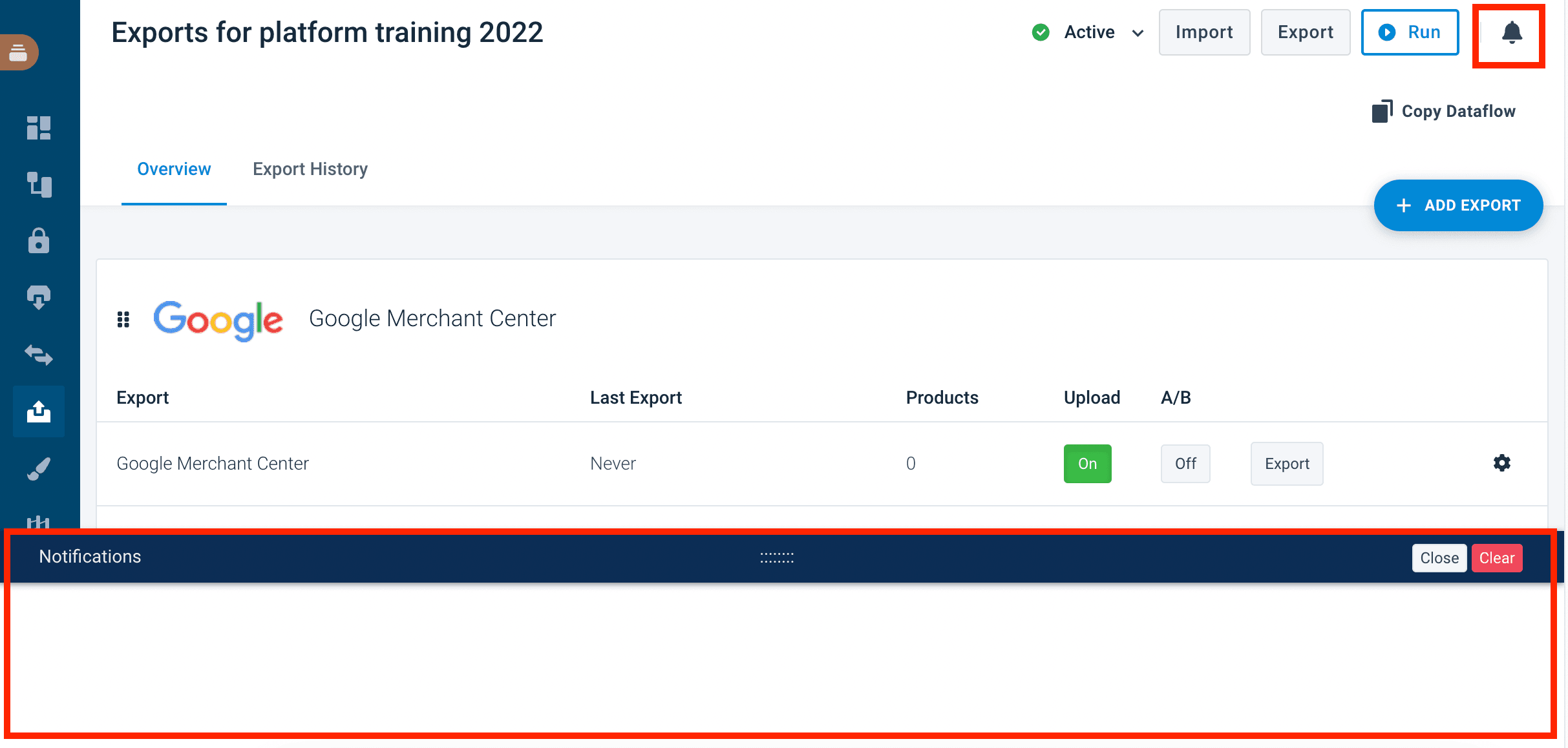
- Logging and notifications — write application logs visible in Dev Portal monitoring, send notifications to the end-user's ProductsUp notification panel, and save structured event logs for auditing
- Storage — persist files across runs using buckets, store temporary files for the current run, and upload export files to the ProductsUp transport server
- Stream API — read and write data as individual items through an input/output stream (offset-tracked), one batch at a time, rather than as whole files
- Metadata — query item counts, column headers, and column order of input files
- Process management — track the status of asynchronous operations
- Category Specific Attributes — list CSA classifications for export-delta connectors
Data format
Input data
Products are returned as flat key-value objects. Columns prefixed with ___ (triple underscore) are hidden by default — pass ?show-hidden=true to include them.
{
  "message": "",
  "data": [
    {
      "id": "1",
      "name": "Product Name",
      "price": "29.99",
      "___skipped_export": ""
    }
  ]
}For export connectors, the input type is input (all products). For export-delta connectors, four input types are available: new, modified, unchanged, and deleted.
Output data
When writing products to the output, send them as an array of objects inside a data field. Each product should include an id field.
{
  "data": [
    {
      "id": 1,
      "name": "Product Name",
      "price": "29.99"
    }
  ]
}
Integrating with the Container API
You can interact with the Container API in two ways:
- PHP SDK — the official PHP package that wraps all endpoints into a typed interface. Recommended for PHP/Symfony connectors.
- HTTP API — call the REST endpoints directly from any language. Use this for Python, Node.js, Go, or any non-PHP stack.
Keeping up to date
The Container API version is managed automatically by the runtime environment — your connector always runs against the version assigned to it. New versions are released periodically with new features and improvements.
Limits
- Output file size: Configurable maximum. Writing beyond this limit returns a
409 Conflictresponse. - Log rate limiting: Excessive logging returns a
429 Too Many Requestsresponse. - Request body size: Maximum 512 MB per request.
- Batch size: When reading input in batches, the size must be between 1 and 999.
How is this guide?