

Make attributes mandatory
How to set attributes as mandatory on an export template.
1 min read
By default, the Developer Portal adds all attributes as optional. To make them mandatory, take these steps:
- On the export template setup page, go to the section Attributes and analyzer tests, and check the boxes next to all attributes you want to make mandatory.
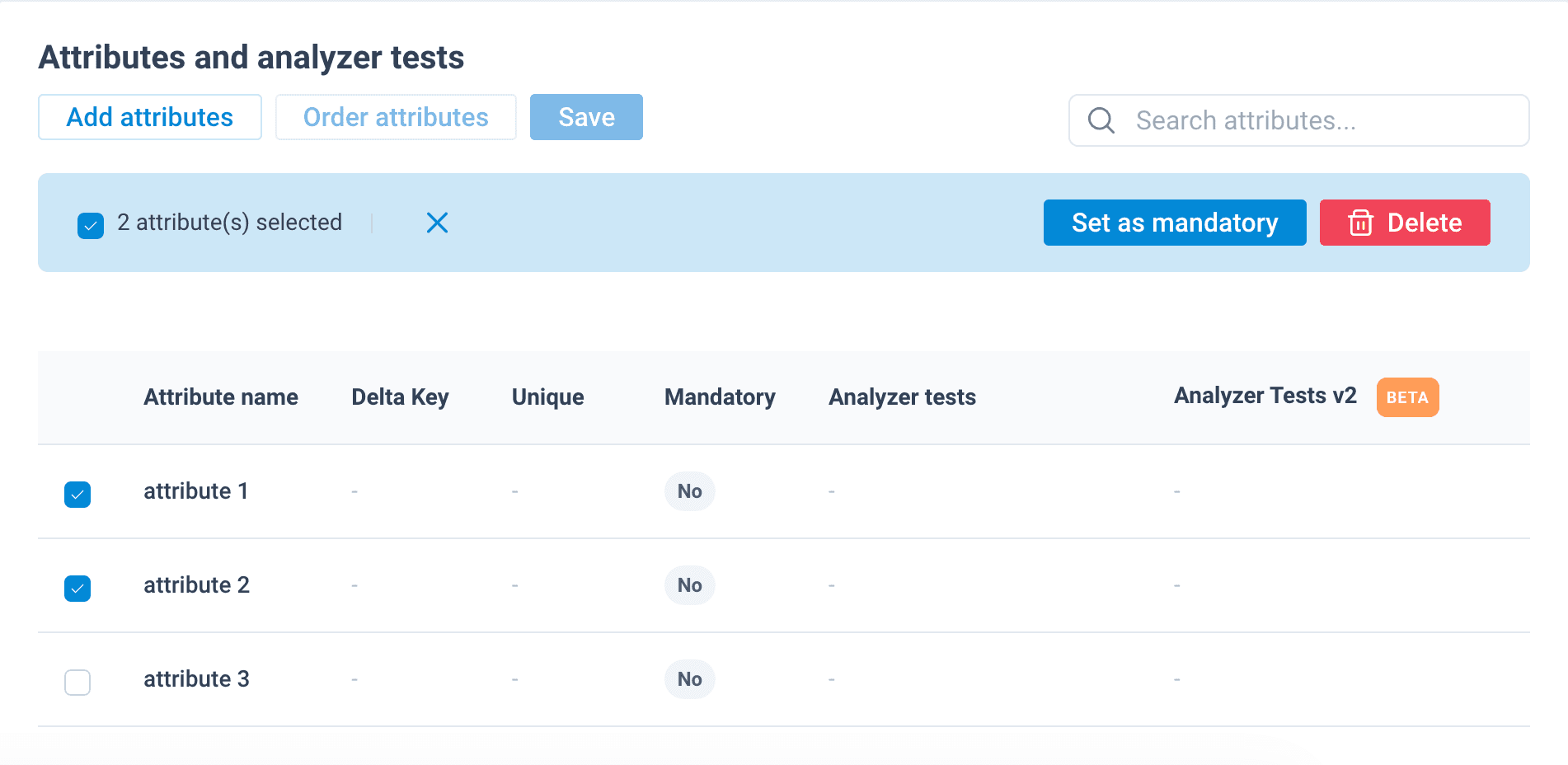
- Select Set as mandatory. The Mandatory column displays Yes for all attributes you have chosen to be mandatory.
Your changes don't become available in the platform until you select Publish. See Publish export template changes.
Alternatively, you can see the next section for another way to set an attribute as mandatory or optional.
How is this guide?