

Order attributes
How to change the order of attributes in an export template.
1 min read
When you add new attributes to an export template, they land on top of the attribute list. The Productsup platform uses this order to display attributes in each export created with this export template. This order is also used to send attributes to the channel.
If you want to change the attribute order, take these steps:
- On the export template setup page, go to the section Attributes and analyzer tests, and select Order attributes.
- Grab an attribute, move it to the desired place, and drop it.
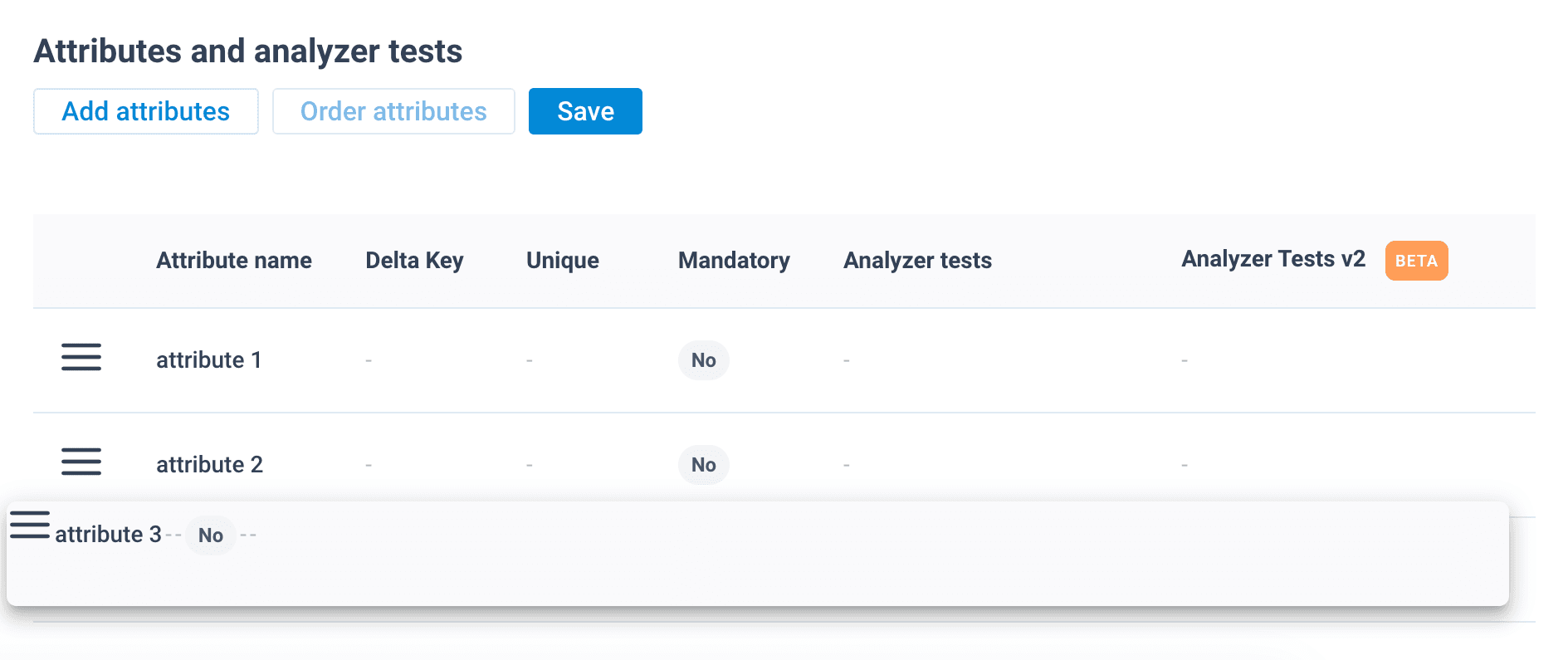
- Once you have arranged the attributes according to your needs or channel requirements, select Save.
Your changes don't become available in the platform until you select Publish. See Publish export template changes.
How is this guide?