

Add attributes to an export template
How to add one or multiple attributes to an export template in the Developer Portal.
2 min read
You can add attributes to each export template. Once you do so and publish the changes, the new attributes appear in each export created in the Productsup platform using this export template.
- Go to Export templates in the Developer Portal.
- Use the search bar to find the export template where you need to add attributes.
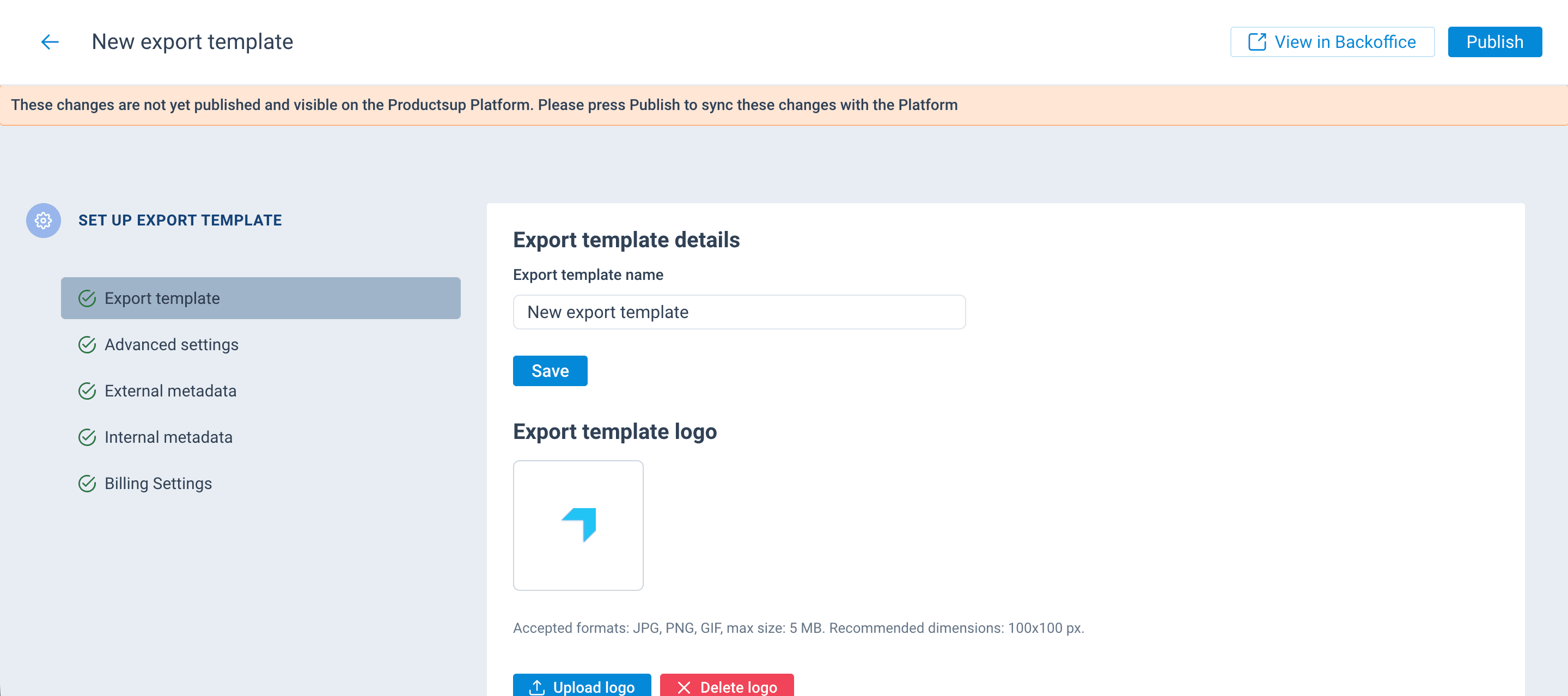
- Select the needed export template to open the export template setup page:
- In the section Attributes and analyzer tests, select Add attributes.
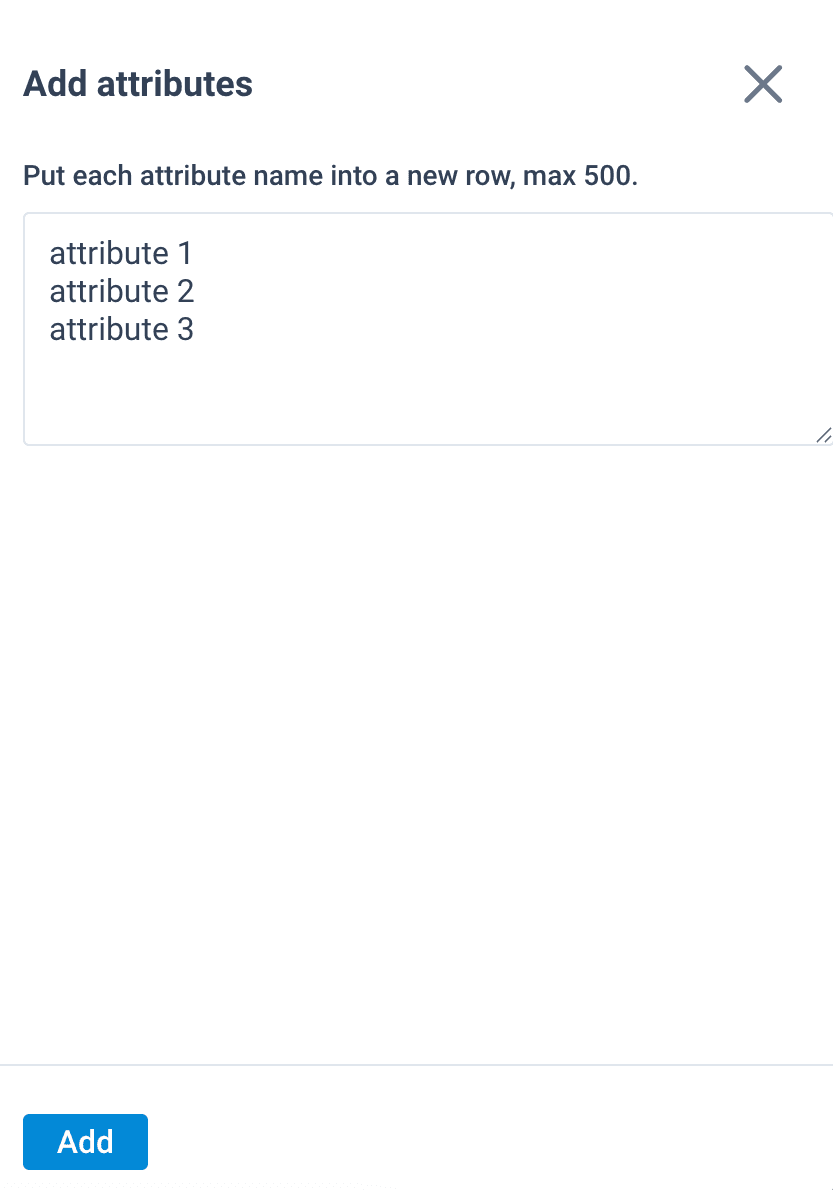
- To add one attribute, enter its name in the text field and select Add.
- To add multiple attributes, enter their names in the text field, separating each new attribute with a new line. Once you have added all attributes, select Add.
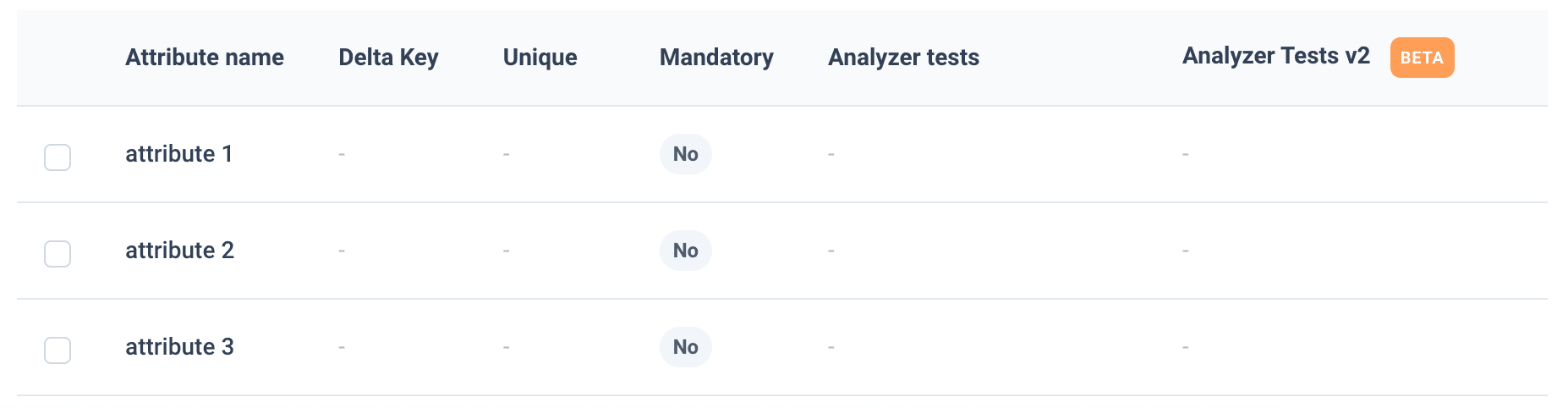
- You have successfully added new attributes. See the next sections to set up and order attributes in an export template.
How is this guide?