

About export templates
What export templates are and how they work in the Productsup platform.
An export represents the final stage of your data journey in Productsup where your optimized data leaves the platform to reach its target channel.
The Exports feature in Productsup allows adding and setting up new exports, viewing the list of added exports, tracking export history, and checking the number of exported items. See Export data feeds to learn more about Exports in Productsup.
To send data to the desired channel, Productsup users need to add and set up exports. Users don't need to build exports from scratch, even though this option also exists. They can choose from more than 2,500 export templates within the platform to speed up the setup process.
Here is how the Search export template page in the Productsup platform page looks:
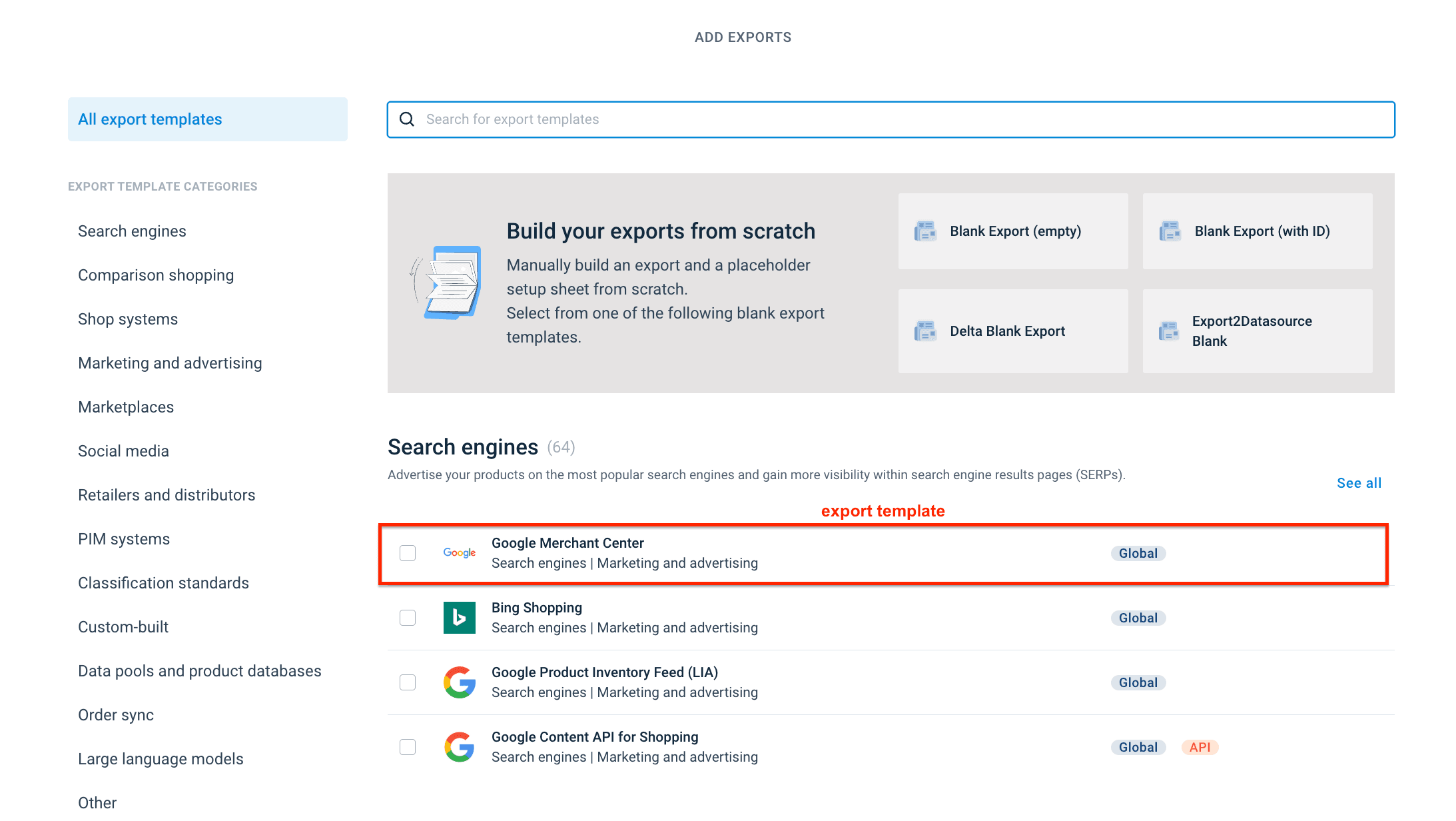
An export template is a ready-to-use blueprint for creating exports in Productsup for channels, such as Google Merchant Center, Amazon, or Facebook. Each export template is pre-loaded with the specific requirements for that channel, including:
- Attributes: The specific data characteristics the channel requires, such as price, id, and availability.
- Analyzer tests: Automated checks to ensure your data meets the channel's standards.
- Destinations: The specific locations or mechanisms, such as FTP servers or API endpoints, where the platform sends data.
In the Developer Portal, you can create and set up a new export template that appears in the platform and becomes available to platform users.
An export template becomes available to platform users only after you publish it. Everything you configure before that — including the export template itself — stays a draft that only you can see. See Publish export template changes.
How is this guide?