

Edit or delete a project
Edit or delete a project in Productsup.
Once a project is set up, you can edit its name or delete it entirely.
You can use projects to organize your sites as you wish. This could be per country, per brand, per branch, or in any other way that suits your organization and use case.
Navigate to a project
Go to the organization level.
Select the project name.
Edit a project name
Go to the project level.
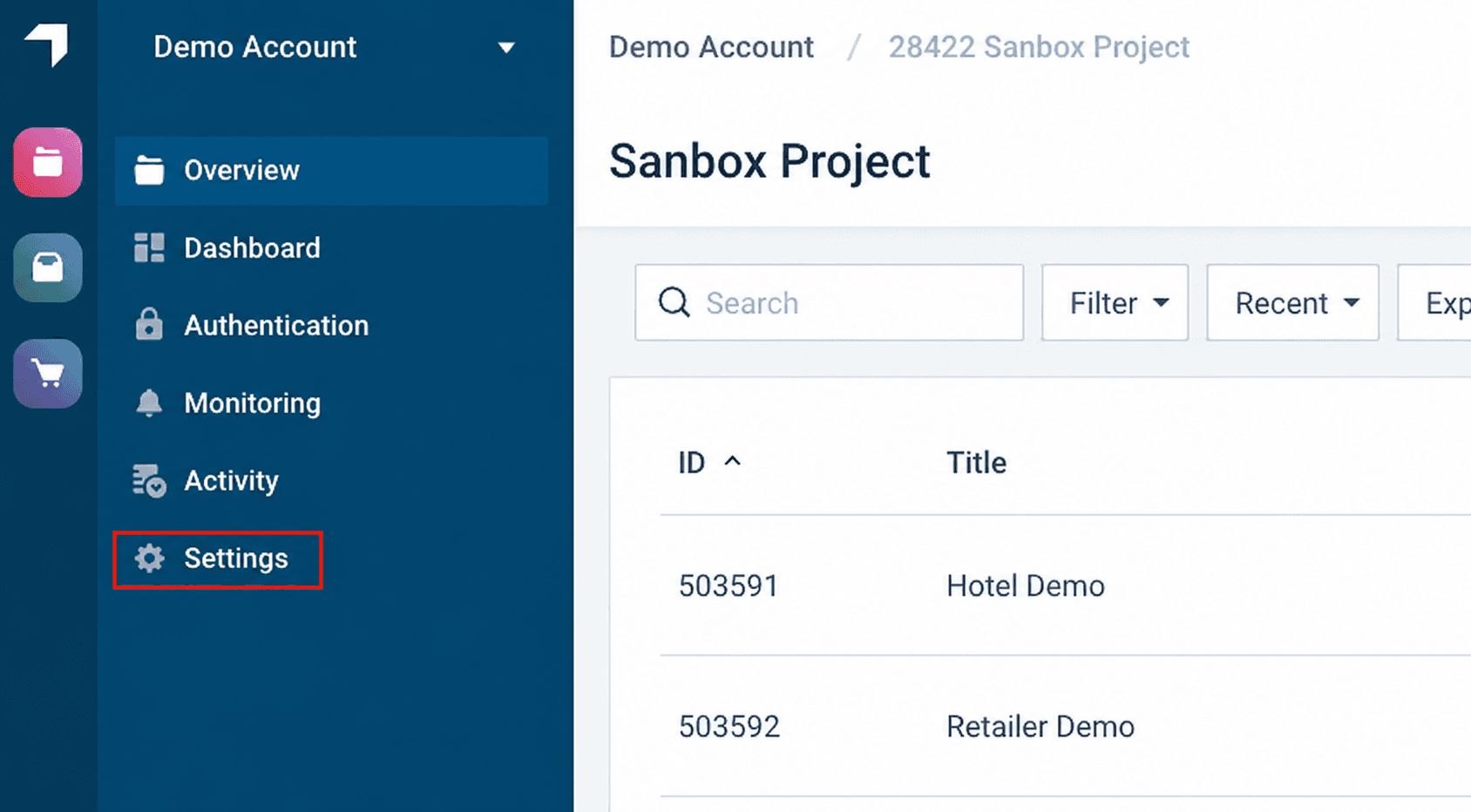
Go to Settings from the project's main menu.
Enter a new name in the Project name field.
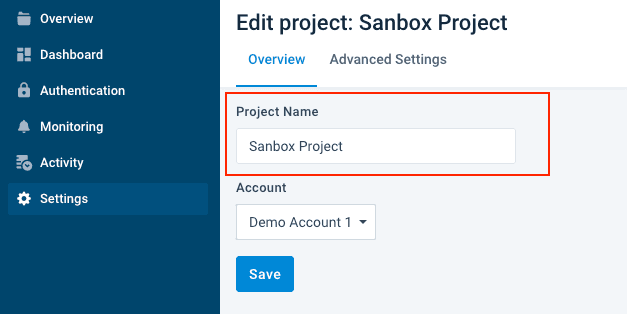
Select Save.
Delete a project
Caution
To delete a project, it must not have any sites in it. You must first delete the sites.
This is built-in as a safeguard to ensure that your feeds cannot easily be removed.
Go to the project level.
Go to Settings from the project's main menu.
Go to the advanced settings.
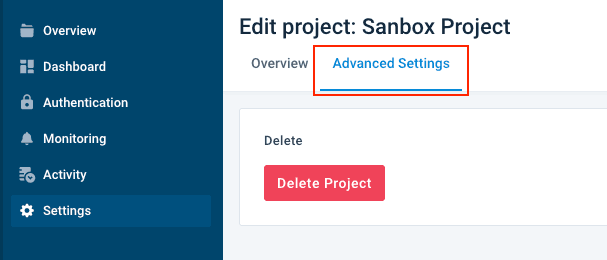
Select Delete Project.
How is this guide?