

View runtime and estimations in the header
View your site's runtime and estimations in the Productsup platform header.
Introduction
You can view your site’s runtimes in the header to give you a better understanding of run durations. View your estimated runtime or historical information, such as when a run occurred and how long it lasted.
View inactive run header information
On any site-level page, for inactive runs, hover your mouse over the Run button to view:
- The Last run (date, time)
- Estimated duration (amount of time)
- Last run’s duration (amount of time)
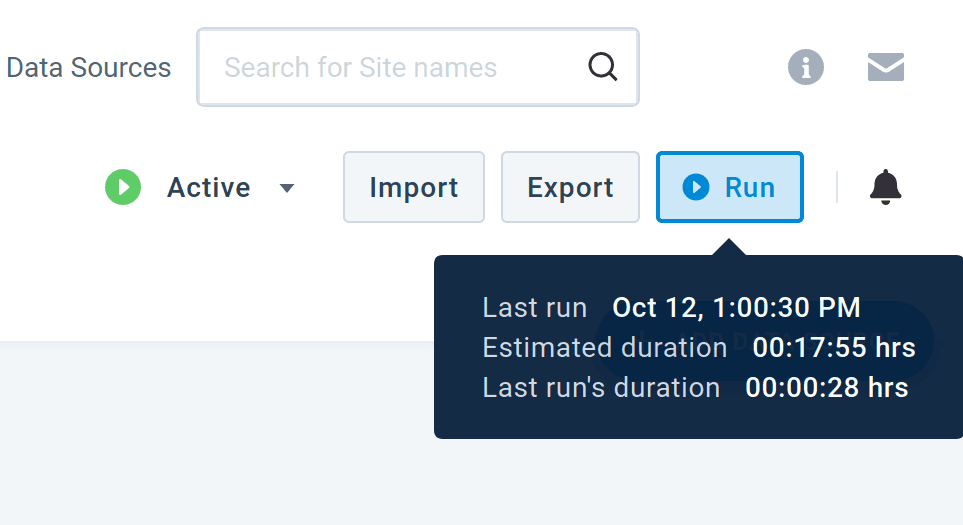
Note: While on a site-level page, Productsup updates the Estimated duration once a minute.
View active run header information
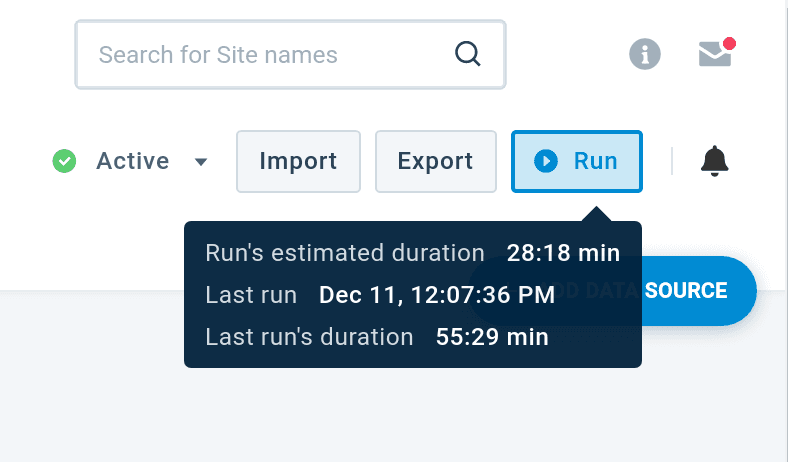
After selecting the Run button to trigger a run, hover your mouse over Run to view:
- Run’s estimated duration (amount of time)
- Last run (date, time)
- Last run’s duration (time)
View queued-run status on site-level pages
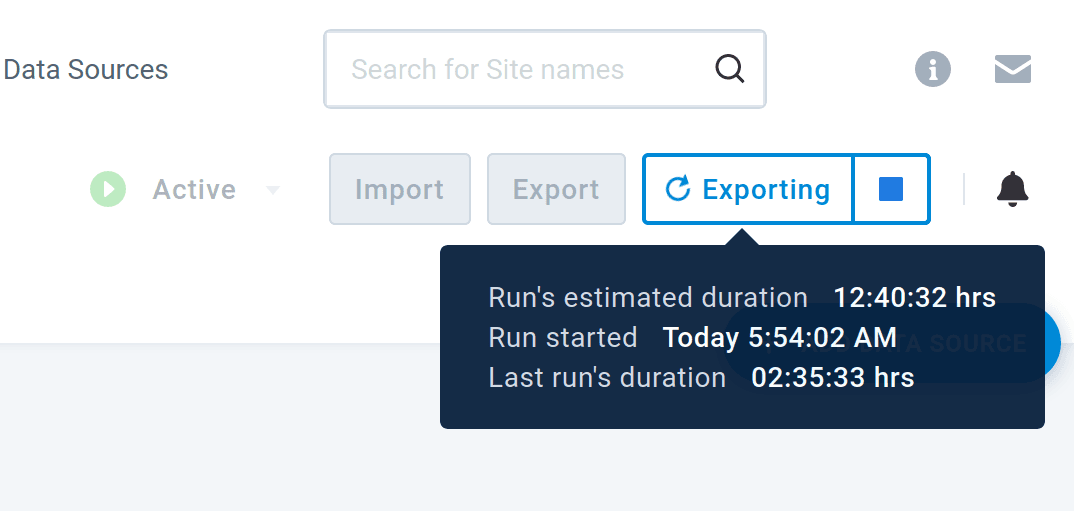
View queued-runs information on any site-level page by hovering your mouse over the Importing, Processing, and Exporting header statuses. Read a tooltip pop-up message displaying the following information:
- There are runs on hold since (day, time)
- The Run started (day, time)
- Run’s estimated duration (amount of time in hours, minutes)
- Last run’s duration (amount of time in hours, minutes)
Read more about site-level statuses in the View queued-runs in the header document.
Have questions? Contact support@productsup.com.
How is this guide?