

Image Designer
Image Designer: learn how to edit images and create your own designs at scale, without leaving Productsup.
Introduction
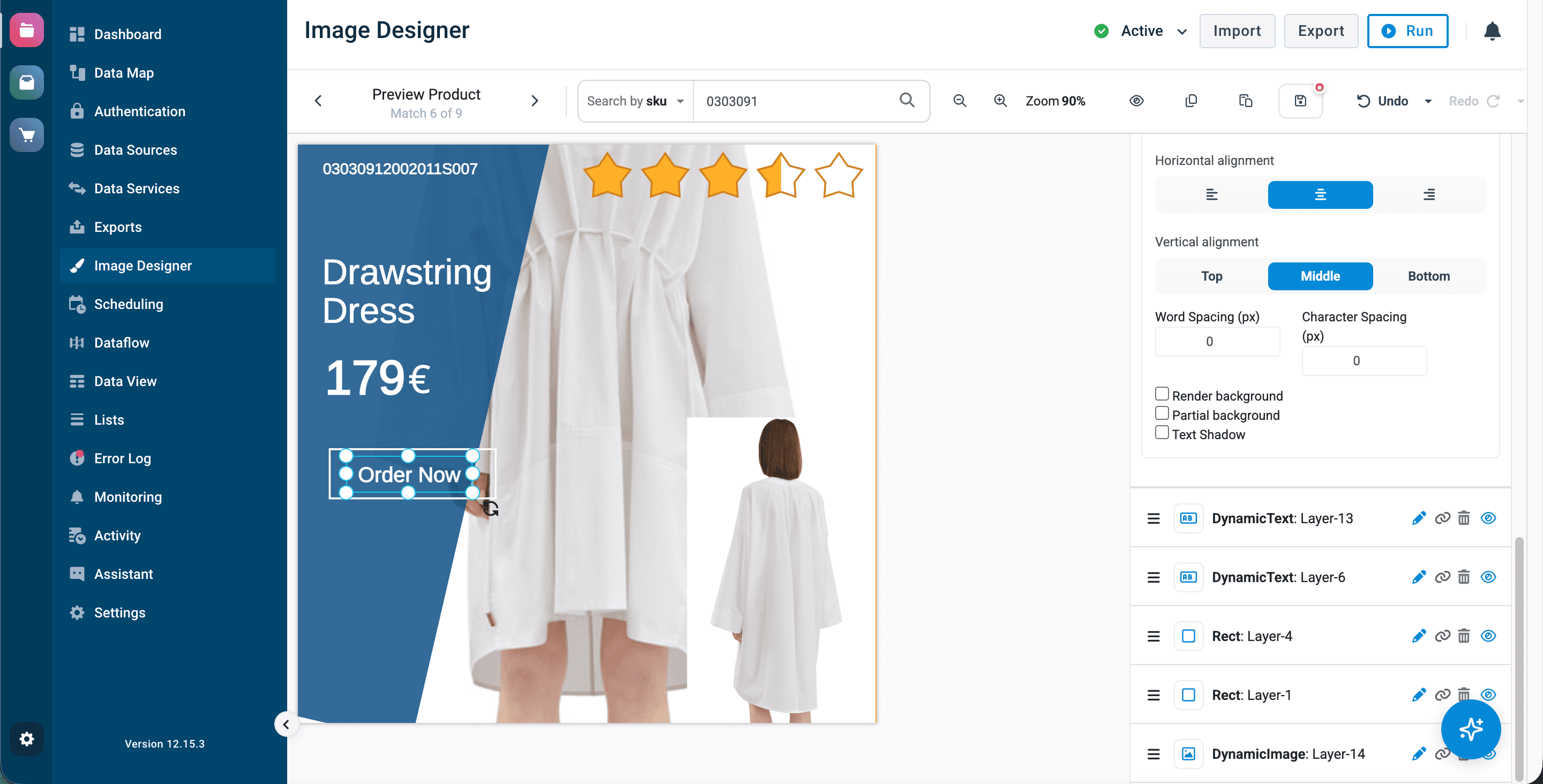
Image Designer is a Productsup image-editing application that helps you enhance images in your product feed within the platform. At scale. You can mix several images, overlay the descriptions, add a logo, price, or discount label to your images. Apply the same design template to all the images in your product feed or a certain selection of products. This is controlled by the Use Image Designer Template rule box in Dataflow and Data View.
Image Designer supports the following image formats:
- Input: JPG, JPEG, and PNG.
- Output: JPG and PNG.
What you can do with Image Designer
Image Designer helps you edit images in the following ways:
For a walkthrough of the Image Designer application and features, read Image Designer interface & overview.
How to obtain Image Designer access
Image Designer is an additional service that requires contract amendment. However, you can test it with limited access without activating the full version. In the limited version, you can see and try the same features as in the full version, but apply the template only to a limited number of images.
| Full Image Designer | Limited Image Designer |
|---|---|
| Apply the templates to all products in the feed. | Apply the templates only to 50 random products. |
| Apply the templates with the rule box Use Image Designer Template. | Apply the templates with the rule box Use Image Designer Template (limited). |
To activate the full version of Image Designer, reach out to your Customer Success Manager or contact support@productsup.com.
How is this guide?