

Add a BigQuery destination
Learn how to export data from the Productsup platform to BigQuery, a data warehouse service from Google Cloud.
Introduction
BigQuery is part of the Google Cloud Platform. It is a data warehouse service that Google Cloud clients can use to store, organize, and analyze data. You can send data to BigQuery from a Productsup site by adding a BigQuery destination to an export.
Prerequisites
- You have set up at least one export in your Productsup site. If you haven't already done this, see Add export.
- You can select GCP BigQuery Export as a destination on the setup page of the export containing the data you want to send to BigQuery. If it doesn't appear as an option, contact support@productsup.com for assistance.
- Before exporting data from Productsup, go to BigQuery and set it up to ensure it accepts external tables formatted following the Productsup scheme.
Add a BigQuery destination
Adding a BigQuery destination to an existing export channel lets you send product data to BigQuery. You can add a BigQuery destination as follows:
Go to Exports from your site's main menu and select the name of the needed export to open its setup page.
On the export setup page, select Add Destination.
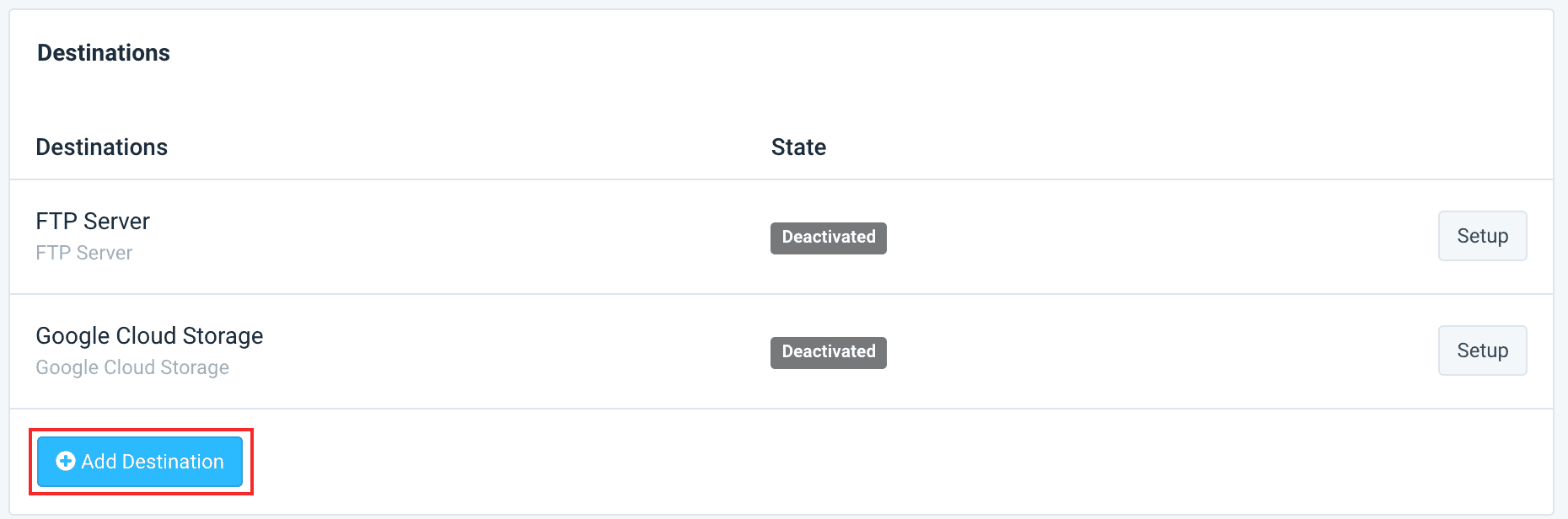
Select GCP BigQuery Export from the Destination drop-down menu.
Select Save.
Set up the BigQuery export destination
After adding a BigQuery destination, you need to set it up. For data to transfer to BigQuery successfully, set up the destination as follows:
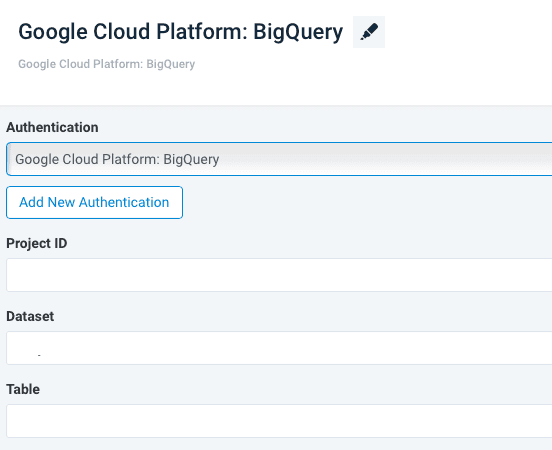
Select Google Cloud Platform: BigQuery in the Authentication drop-down menu.
Enter your BigQuery credentials in the following input fields:
- Project ID - This input field refers to the unique ID associated with each BigQuery project.
- Dataset - In this input field, enter the specific data set you wish to target in your BigQuery project.
- Table - Specify the table in your BigQuery data set where you want to export your Productsup data.
Select Save.
Your setup is now ready. The platform sends your data to BigQuery during the following manual or scheduled site run.
How is this guide?