

Import orders from eBay
Import orders from eBay in Productsup.
1 min read
Setup
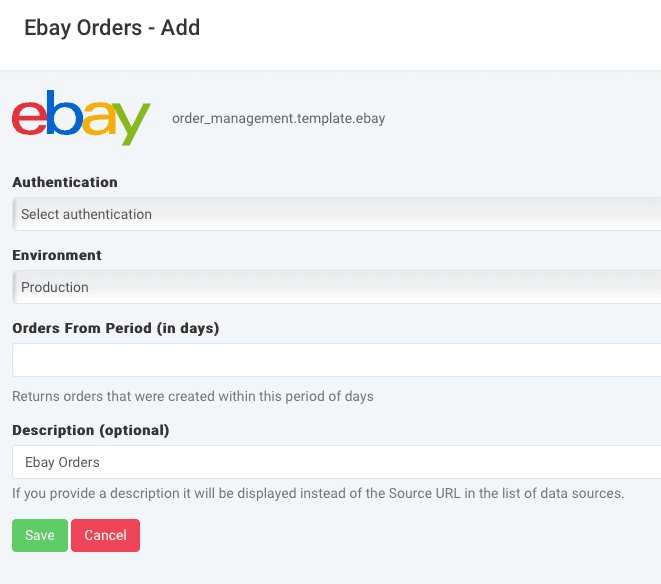
- In the site, choose Data Sources from the main menu, then select ADD DATA SOURCE. Next, add eBay Orders.
- To import your orders from eBay, you must first create an authentication token. See Add OAuth authentication to external systems.
- Once you’ve created an authentication token, select it in Authentication to add the eBay Orders data source.
- Choose Production or Sandbox in Environment.
- Next, enter the period, in days, you want to import the orders for in Orders From Period (in days).
- You can optionally enter a custom description for the data source in Description (optional).
- Select Save and the next manual or scheduled import pulls data to your site.
How is this guide?