

Calendar
An overview of the Calendar
1 min read
Introduction
Calendar gives you an overview per date of the number of products that have been added, changed, or removed, and a list of tasks planned.
To locate Calendar, go to Dashboard and select the Calendar tab.
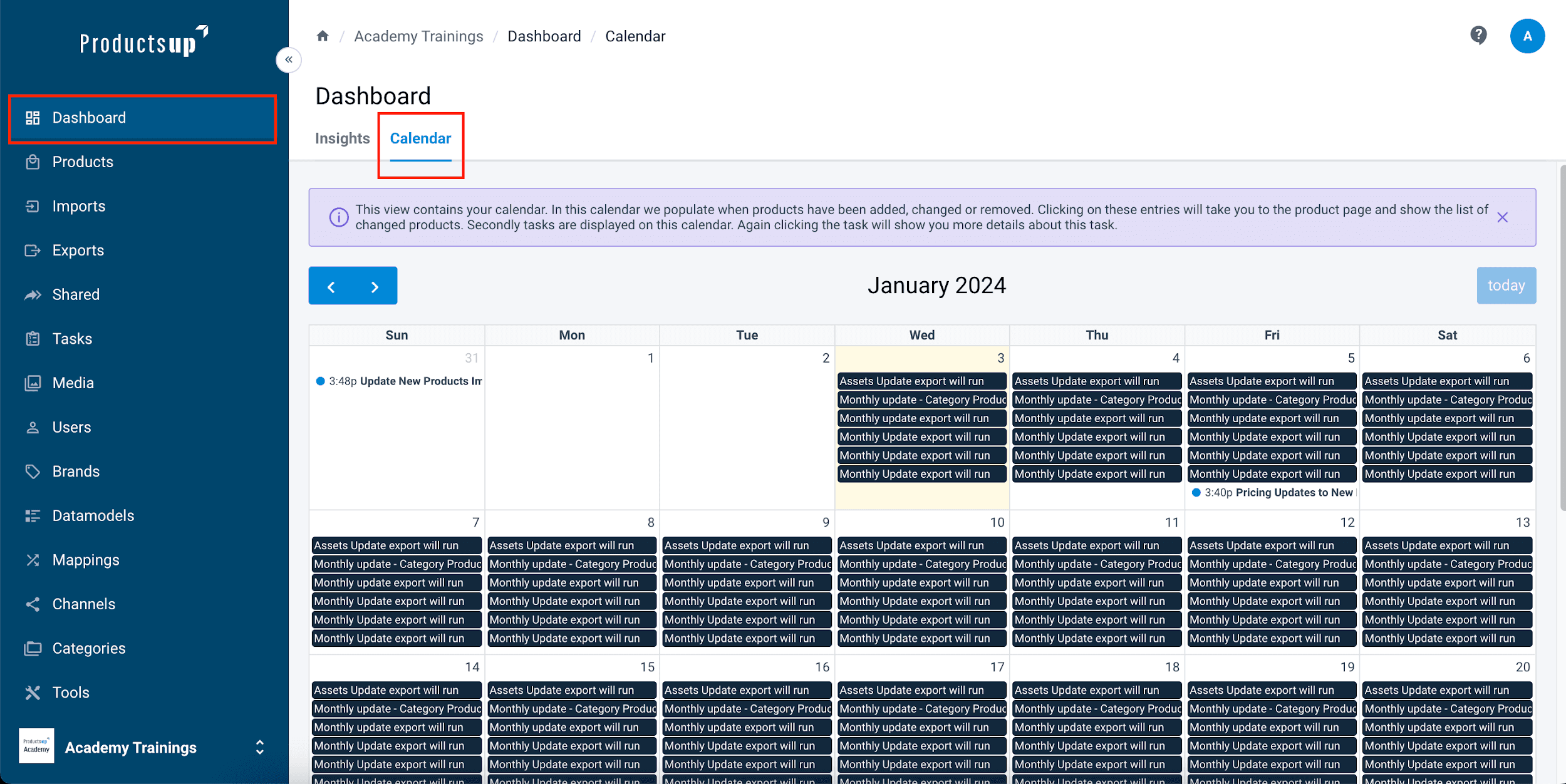
Calendar Navigation
The Calendar provides a monthly view of activity, with the current date highlighted in yellow. Use the Today button to quickly return to the current date.
- Records: Click any record to open the Product page and view specific changes.
- Tasks: Click any task to jump to the Tasks page for full details.
How is this guide?