

Variants
Variants and how to create them
2 min read
Introduction
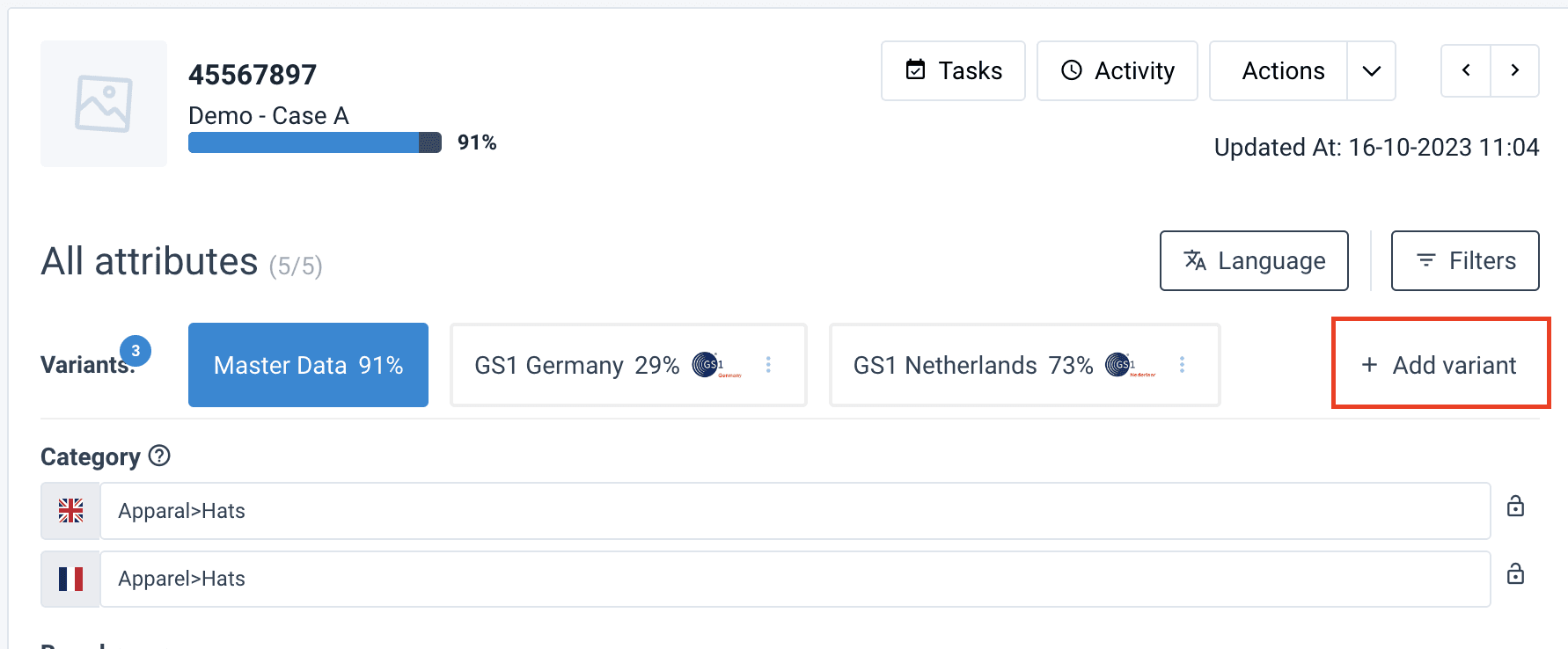
Different retailers may have different requirements for product information. Variants are copies of the Product Master Data for specific retailers.
Create a variant
To add a variant to a product:
- Go to Products from the main sidebar.
- Search for and select the necessary product. The product details page opens.
- In Variants, select Add variant. The sidebar Create Variant opens.
- In Name, enter the variant name.
- In GTIN, you can see the GTIN of the selected product. You can edit it.
- Select the needed channel in Channel.
- Optionally, select a product in Copy data from (optional).
- Optionally, select a product in Copy assets from (optional).
- Select Save.
NOTE: Fill out all fields when creating a variant to ensure that a variant is complete for sending to a certain retailer.
How is this guide?