

Channels
An overview of the Channels
2 min read
Introduction
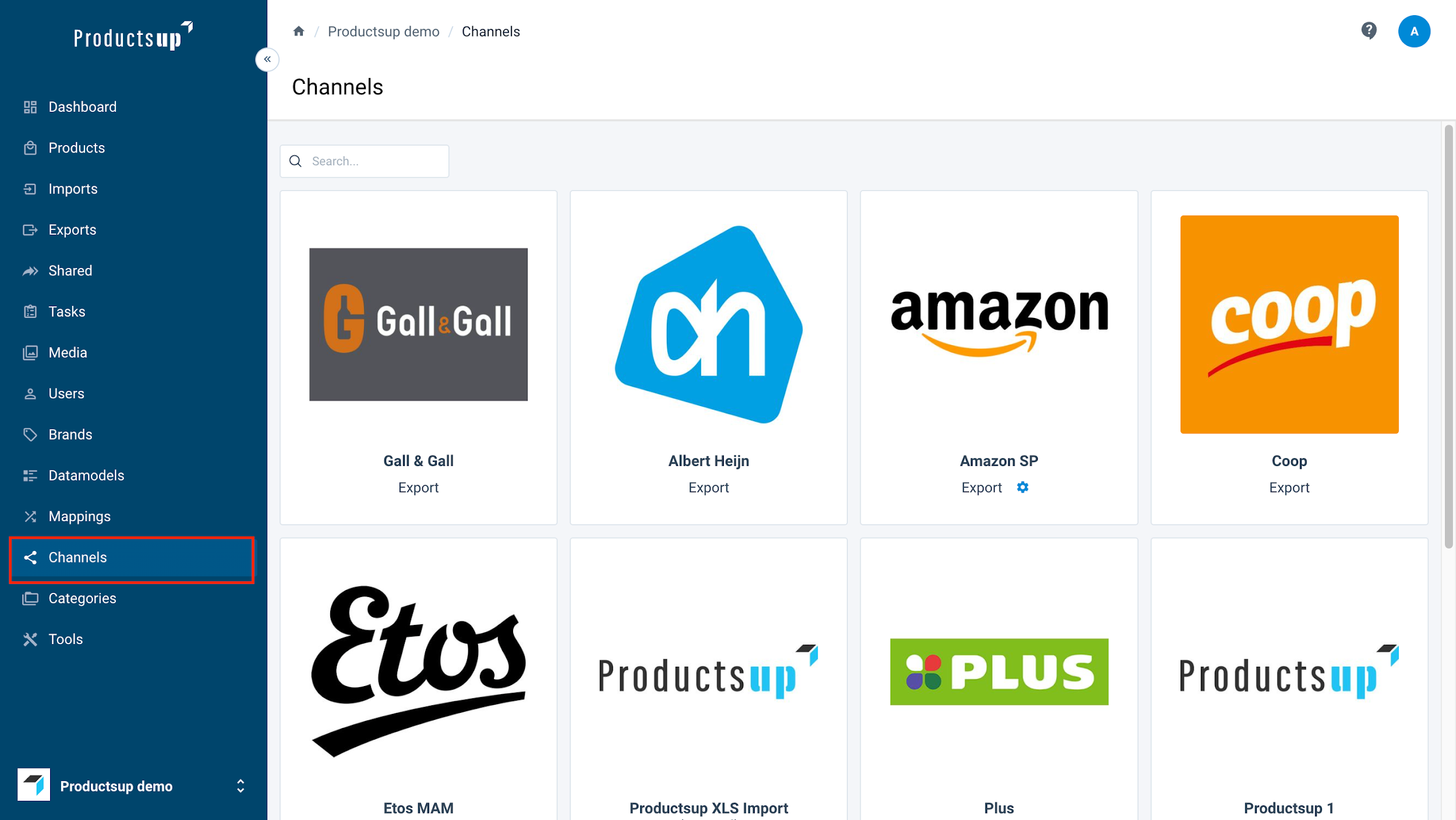
Channels are accessed via the sidebar and define the specific formats and routes used to import or export your data to retailers.
- Functionality: Channels determine file types (e.g.,
.xlsx,.json,.xml) and delivery methods (e.g., Email, FTP, SOAP, or API connections). - Navigation: View all registered channels as thumbnails; use the page selector at the bottom to browse the full list.
- Management: The Channels page serves as the master view of how your exports are formed and executed.
NOTE: Contact your Account Manager to add new channels or discuss channel-related configurations.
Managing Channels
Use the Search field to locate specific channels by brand or retailer name.
- Channel Tiles: Each tile represents a retailer and specifies the channel type (Import or Export).
- Retailer Specifics: Note that a single retailer may have multiple channels for different data requirements.
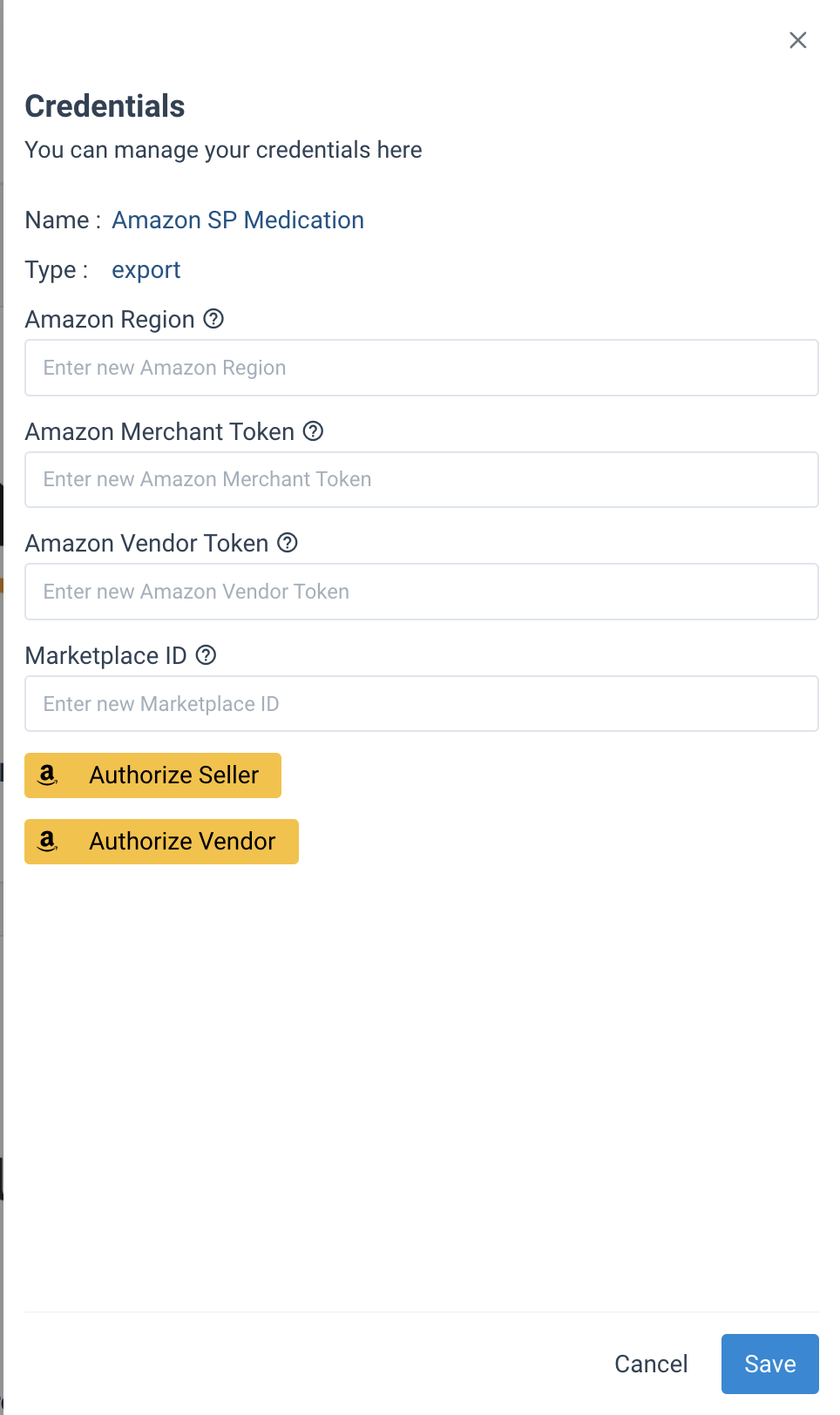
- Credentials: A blue icon next to Export indicates that credentials are required. For Amazon, use the Authorize Seller or Authorize Vendor buttons to link your account.
How is this guide?